Monthly Bill Tracker Template
What is the best way to track monthly bills?
Streaming renewals, utilities, insurance, and subscriptions rarely show up as one tidy list. A dedicated monthly bill tracker and subscription tracker gives you a calm, single view of what is due, for how much, and what you have already paid.
This free bill tracker template (also a bill organizer and bill payment tracker) is available as a free download in Microsoft Excel or make a Google Sheets copy.
Prefer an app? Compare the best monthly bill tracker options for finding recurring charges without a spreadsheet.
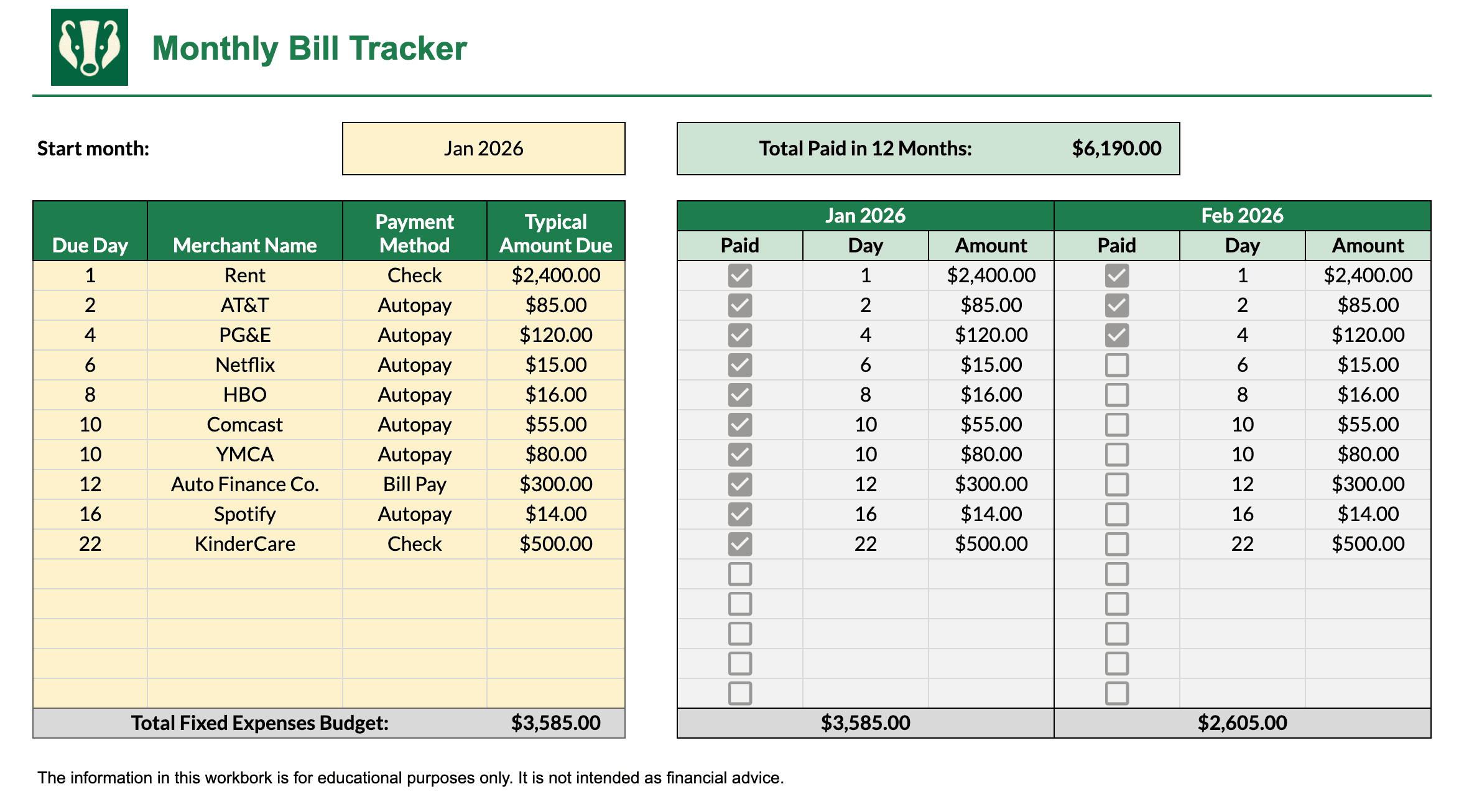
Bill Tracker Template Preview:


Completion instructions:
- Input the month you choose to start tracking and your recurring monthly bills in the yellow cells below
- When you pay a monthly bill, mark the Paid column as paid ("Y" in Excel or a checkmark in Google Sheets); the Total row will update accordingly
- For bill amounts that may fluctuate, overwrite the Amount column with the actual amount paid
Related free tool: Subscription Cost Calculator — Add rows for each subscription, see monthly and annual totals, multi-year illustrative totals with assumed subscription price growth, and a chart by line item.